
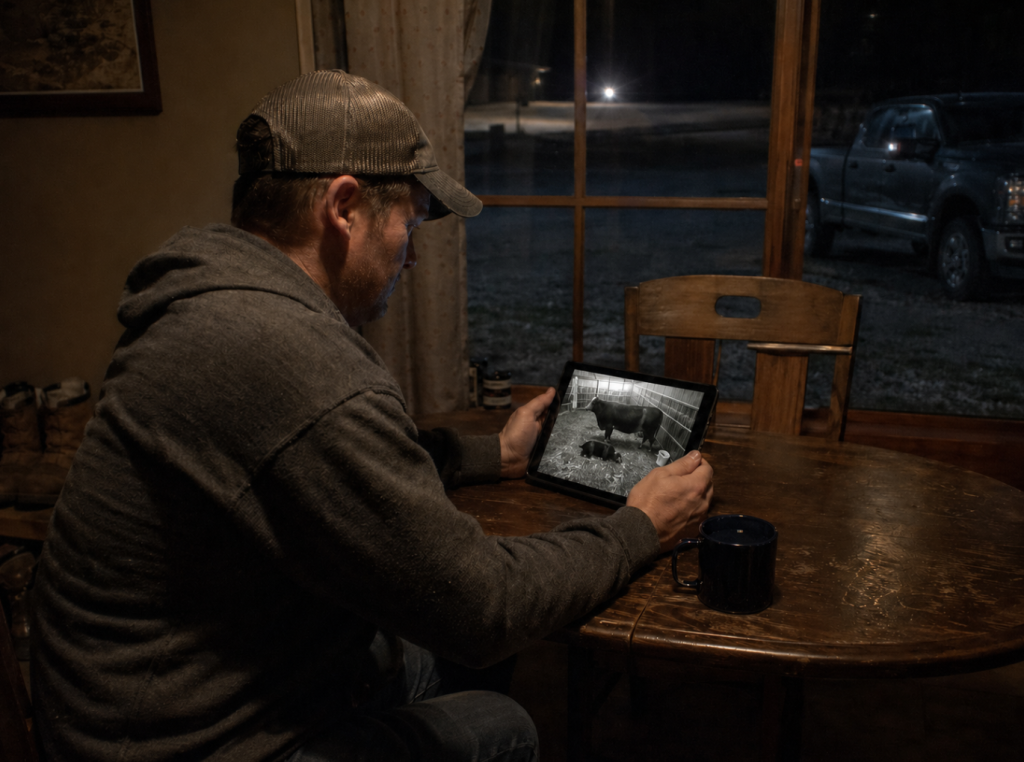
Jamie is a fourth-generation farmer in South Dakota, working alongside his dad, Rob, and now his two sons. Rob lives right next to the calving barn, but Jamie lives about two miles away. Right now, Jamie relies on his dad calling him in the middle of the night if something goes wrong while a calf is being born. It works, but it’s not always ideal when things can change quickly.
He knows there are camera systems out there that would allow him to check in remotely: watch into the calving barn from home on his iPad in the middle of the night, make sure a birth is going smoothly, or that a newborn and mama are doing okay. And if something isn’t right, he’d know about it right away, and can zip on over in time to help.
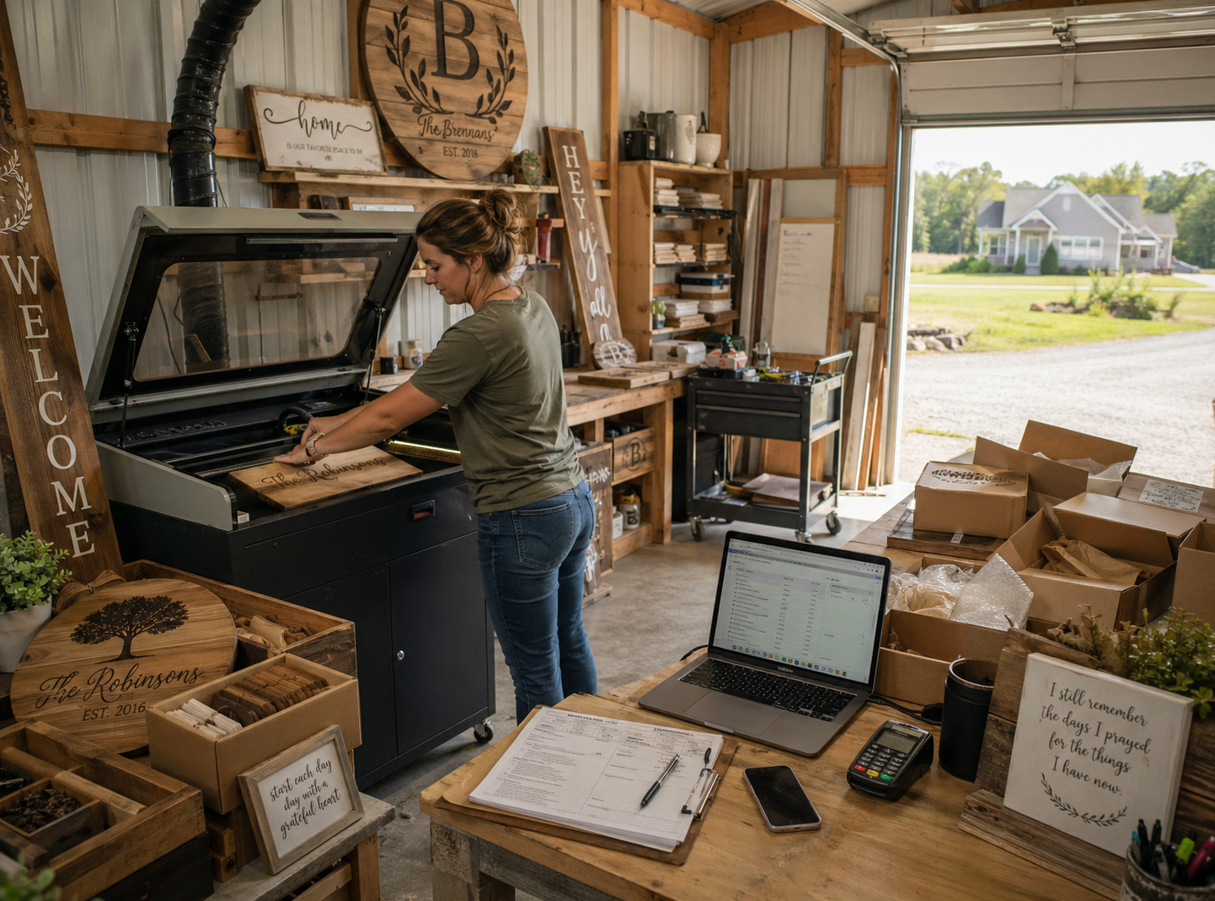
Laurel started a business out of her pole shed, and it’s grown into something she spends a lot of her time in. She does custom laser engraving, creating pieces like porch signs, home décor, nursery name signs, and just about anything that can be personalized.
The hands-on work is her favorite part of her small business, but there’s the administrative side that needs to get done, too. She’s also fulfilling orders, taking payments, handling customer communication, and keeping up with her website and Etsy shop. Right now, that means going back and forth between the house and the shed. What she really wants is the ability to do all of it from the same place she’s already spending most of her day.
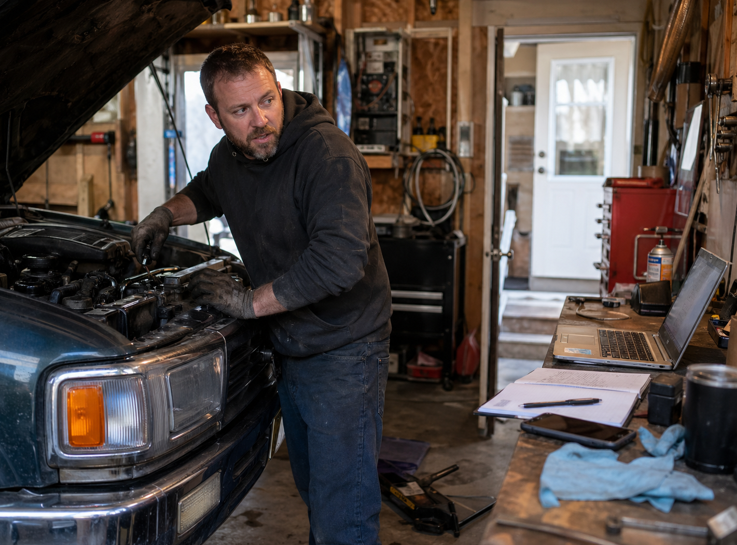
Brian grew up fixing cars, and now runs an auto repair shop out of his garage. Day in and day out, he’s out there fixing vehicles, diagnosing issues, and helping people get back on the road.
When he needs to look something up, create and send invoices, order parts, schedule or speak to customers, or reference something for a repair, it usually means stopping what he’s doing and heading back inside. It’s part of the routine, but it adds extra steps to work that’s already hands-on and time-sensitive.
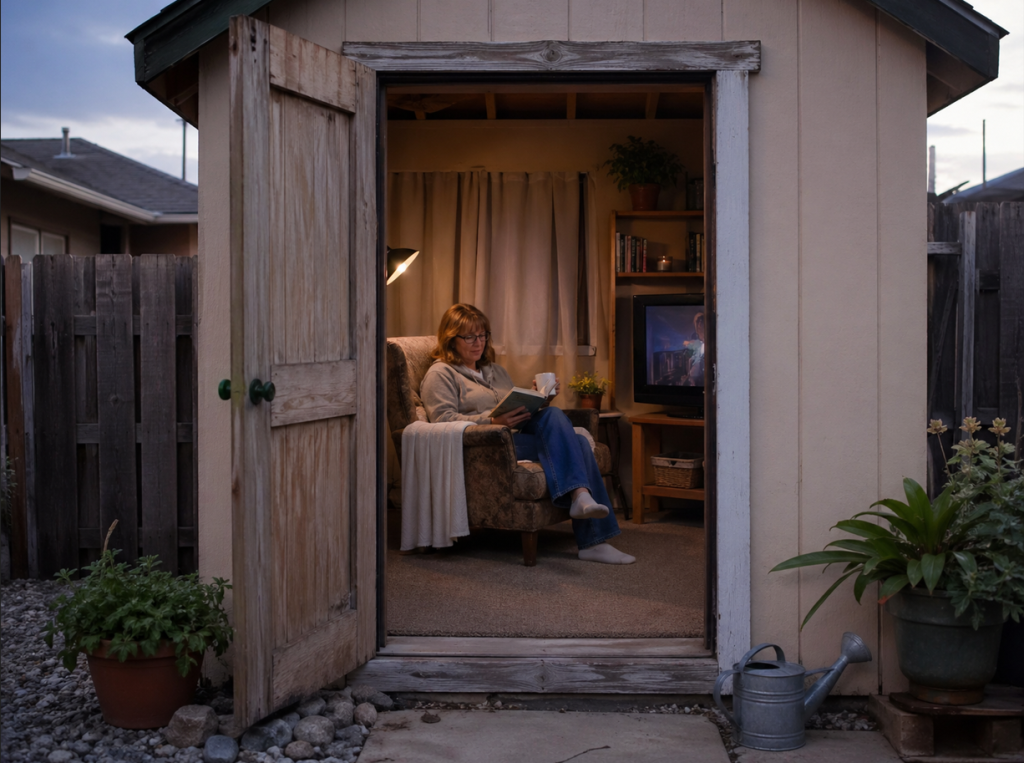
Kim is just about to retire, and she’s ready to enjoy it. She plans to convert their shed into her she-shed: a space that’s finally all hers, decorated exactly how she wants it, without anyone else’s clutter or mess.
She pictures herself spending hours out there. Reading, sipping her coffee, catching up on her favorite shows (and probably finding a few new ones too). It’s her place to slow down and enjoy the time she’s been looking forward to, and she knows she’ll want it to feel just as connected as the rest of the house.
Each person and story is different, but what’s the common thread?
They all need a reliable internet connection outside of the home—especially Wi-Fi for outbuildings—to improve their everyday lives and fuel what they’re passionate about.
Why Wi-Fi Struggles to Reach Outbuildings
Most home Wi-Fi setups are designed to cover the inside of your house, not your entire property, which is where Wi-Fi for outbuildings starts to get tricky.
Once you step outside, a few things start working against your signal:
- Distance from your router — the farther you get, the weaker the signal becomes
- Building materials — especially metal, which can block or significantly weaken Wi-Fi
- The building itself — the shop or shed you’re trying to reach can actually prevent any signal from getting inside (Ironic, we know.)
- Obstacles in between — trees, equipment, and other structures that block line of sight
- Router limitations — most are designed for indoor use, not wide outdoor coverage
That’s why a connection that works great in your living room can disappear completely by the time you reach your shop.
What People Usually Try First
Before looking for a long-term solution, most people try to make what they already have work.
They might move the router closer to a window or try adding a Wi-Fi extender. Others turn to a mobile hotspot as a quick fix. In some cases, these help a little. But more often, they lead to inconsistent signals, slower speeds, and limited range.
These tactics can be useful in a pinch, but they’re not designed for reliable, everyday use across a property.
How To Actually Get Wi-Fi For Outbuildings
For a lot of people, these buildings aren’t just storage, they’re part of daily life.
You might be running security cameras on a garage, streaming music while working in the shop, watching your favorite shows in your she-shed, or even operating part of your business from an outbuilding, like in the stories above. In those cases, you need a connection that’s stable enough to handle what you’re actually doing.
When Outdoor Wi-Fi Works
Outdoor Wi-Fi is built for life outside. It extends your home’s fiber connection beyond your house walls so you can stay connected in your yard, on the patio, or around your home without having to head back inside.
In the right setup, it can sometimes reach nearby buildings. When a structure is relatively close to the house, there is a clear line of sight between the two, and the building is not heavily blocking the signal, coverage can carry over well. For example, outdoor wi-fi might work for a small, wooden shed 30 feet away from a home. (Perfect for Kim’s she-shed.)
In ideal conditions, coverage can reach quite a ways. It can extend up to around 950 feet. Distance, obstacles, land, and building materials all play a role, so results vary depending on the property.
Where people can run into frustration is expecting outdoor wi-fi to do something it was not designed for.
Outdoor Wi-Fi is installed on the home and pushes the signal outward. That makes it a strong fit for open outdoor spaces. When you are trying to get a reliable connection inside a detached building, especially something like a metal shop, a different type of setup is usually the better solution.
When a Point-to-Point Connection Between Buildings Makes More Sense
In some setups, the issue is not just how far the signal needs to go. It is how it is getting there in the first place.
Instead of trying to stretch Wi-Fi from your house across your property, a point-to-point internet setup brings the connection directly to another building.
It works by placing one device on your home and another on the building you want to connect. Those two points communicate with each other in a focused way, creating a stable link between the two locations. The connection is not spreading out like typical Wi-Fi. It is directed from one place to another with a specific purpose.
Because of that, it is often a better fit when you are trying to get internet inside a separate building, not just around it.
This type of setup is commonly used when:
- You need to connect a second building on the same property
- Your Wi-Fi cannot realistically reach that space
- Trenching a cable is not practical or not worth the cost
- You need reliable connection for things like cameras, equipment, or daily work
It is also important to understand what a point-to-point setup is not.
It does not create internet on its own. It depends on the connection at your main building and simply extends that connection to another location.
It also relies on the layout of your property. A clear line of sight between buildings is usually needed, and things like trees, other buildings, or elevation changes can get in the way. In those cases, multiple access points may be used to create a clean path from your home to the building you want connected.
That is why this is not something you force into every situation. It is a more intentional approach, used when it actually fits the property and the need.
Our Process To Set Up Internet For Outdoor Buildings
Over time, you’ve worked hard to make your property unique to you and how you live, but there are also things about the layout you can’t easily change. The distance between buildings, the materials, and how each space is used all play a role in what will actually work.
In some cases, extending your internet from the house via outdoor wi-fi is enough. In others, a more direct connection between buildings via point-to-point makes more sense. The goal is to understand what your setup actually needs.
That starts with taking a look at your property. In both Outdoor Wi-Fi and point-to-point setups, a technician will schedule a time that works for you, walk through your layout, and assess what will give you the most reliable connection where you want it. Every setup is a little different, and experience matters when it comes to working around distance, obstacles, and how you actually plan to use your connection.
From there, you’ll know what’s recommended, what the setup involves, and what it will cost, so you can make an informed decision.
Reliable Connection Where You Actually Need It
Your property, your spaces, and how you use them are all unique. Your internet setup for Wi-Fi to outbuildings should be too.
If you’re looking to get reliable internet connection outside your home, we’re here to help. We’ll take the time to understand your setup and recommend what fits. Contact us here to ask any questions or schedule a consultation for your property.